
HD PDF Crop Tool – Crop PDF Files Online Without Losing Quality
Managing large PDF files with unnecessary white margins or extra spaces can reduce both readability and professional presentation. The HD PDF Crop Tool is designed to help users crop PDF files online without compromising the original resolution or document quality. Whether you are preparing business documents, academic reports, or professional resumes, this tool allows you to precisely trim PDF pages while maintaining HD clarity. With the help of an HD PDF Crop Tool, users can easily remove unwanted borders, adjust page size, and optimize the layout for better viewing and printing. This advanced cropping solution ensures that your documents remain sharp, clean, and professional after editing.
HD PDF Crop Tool
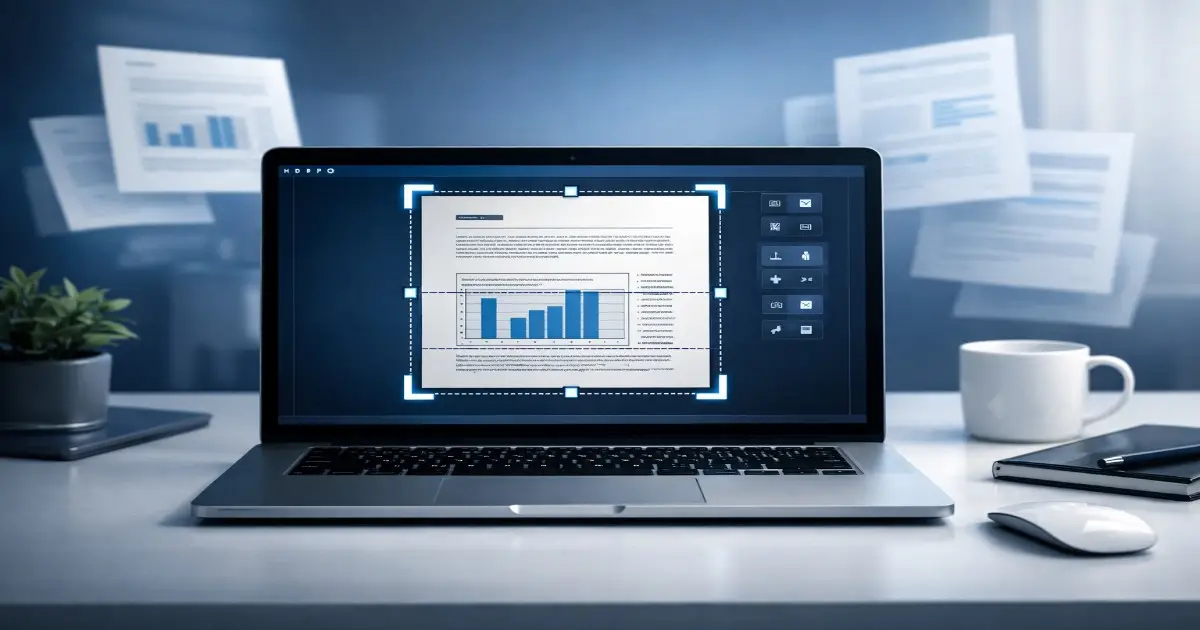
Why Use an HD PDF Crop Tool for Professional Document Editing
When working with digital documents, maintaining clarity after editing is extremely important. The HD PDF Crop Tool helps users crop PDF pages without affecting the overall resolution of the document. Unlike traditional editing software, the PDF Crop Tool ensures that your content remains sharp and readable even after removing margins. Many professionals rely on a PDF Crop Tool to prepare presentations, reports, and official documents for printing or sharing. Using a PDF Crop Tool also improves document alignment and removes unnecessary whitespace from scanned files. Students and designers frequently choose a PDF Crop Tool to enhance document layout while preserving image and text quality. With the help of a PDF Crop Tool, users can easily optimize PDFs for online submission and digital storage. Overall, the PDF Crop Tool provides a fast, secure, and quality-focused way to edit documents professionally.
Key Features of the HD PDF Crop Tool
The HD PDF Crop Tool offers a wide range of features to improve document editing efficiency. It allows users to crop single or multiple pages quickly without downloading heavy software. This tool supports precise margin trimming, custom page selection, and real-time preview for better accuracy. Additionally, it maintains the original formatting, resolution, and text alignment after cropping. The user-friendly interface of the PDF Crop Tool makes it ideal for beginners as well as professionals who want to edit their documents without any technical knowledge.