
🚀 PDF to Image Converter – Convert PDF Pages into High-Quality Images Online
PDF to Image Converter – Convert PDF Pages into High-Quality Images Online. A fast, simple, and reliable tool on UseKit.Online for turning PDF files into clear, high-resolution images.
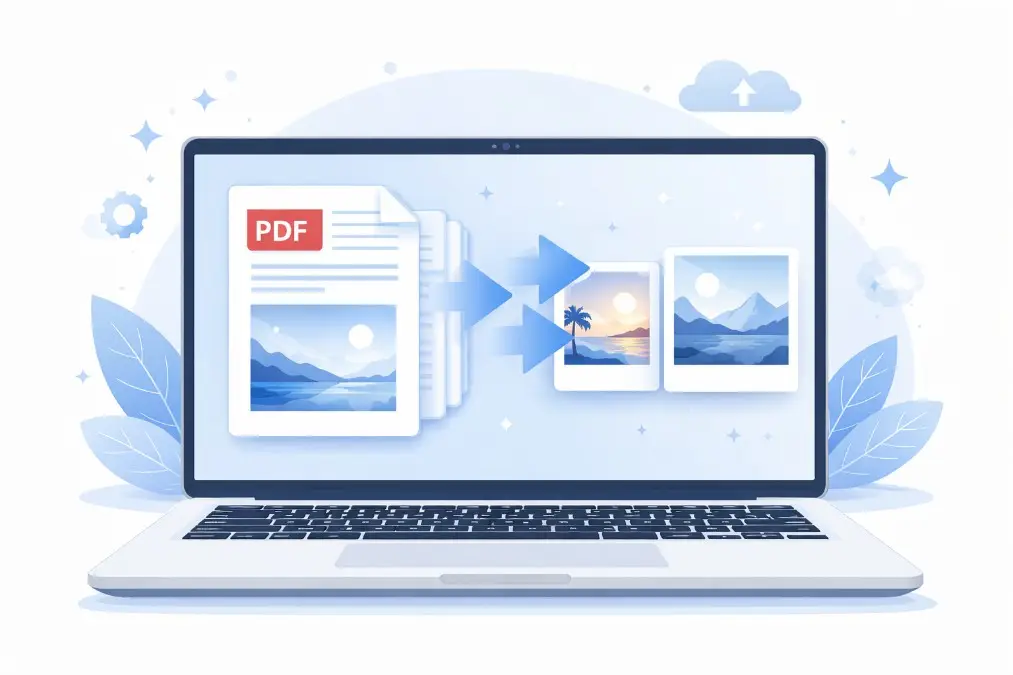
PDF → Image Converter (HD PNG)
⚡ Convert PDF to Images Instantly
Try the PDF to Image Converter on UseKit.Online: https://usekit.online
Convert your PDF pages into JPG or PNG images with HD clarity, accurate layout, and fast processing—no signup required.
📌 Introduction
The PDF to Image Converter is an easy-to-use online tool that lets you convert PDF documents into image formats like JPG and PNG. This is useful when you want to share, edit, or display PDF content as images.
PDF files are great for documents, but they are not always easy to edit or use on all platforms. Converting them into images makes them more flexible and easier to use across websites, social media, and design tools.
❓ Why Convert PDF to Image?
The PDF to Image Converter is widely used because images are easier to share, upload, and edit compared to PDFs.
Easy to share on social media
Works on all devices and platforms
Useful for thumbnails and previews
Keeps layout and design intact
Image formats like JPG and PNG make your content more accessible and visually appealing.
⭐ Key Features
The tool on UseKit.Online offers powerful features for both beginners and professionals:
🔹 Multiple Format Support
Convert PDF into JPG, PNG, WEBP, BMP, TIFF
JPG = Smaller size
PNG = High quality with transparency
🔹 Page-wise Conversion
Convert each PDF page into a separate image
Maintain original layout and structure
🔹 Original Preview
Preview PDF before conversion
Check pages, size, and layout
🔹 High-Quality Output
HD image output with sharp text and graphics
🔹 File Rename Option
Rename files before download
Helpful for SEO and organization
🔹 Resize Option
Adjust image width and height
Keep original resolution if needed
🔹 Compression Control
Reduce file size while keeping clarity
🔹 Smart Optimization
Automatic quality balancing for best results
🔹 Fast Processing
Quick conversion with minimal waiting time
🔹 Download Ready Files
Download all images in one click
Clean and optimized output
📌 Each PDF page = one image output
🛠️ How to Use
Upload your PDF file
Select output format (JPG/PNG)
Click the convert button
Wait for processing
Download your images
The PDF to Image Converter is designed to be simple, fast, and beginner-friendly.
✅ Benefits
The PDF to Image Converter provides many advantages:
Easy sharing and uploading
Better compatibility across platforms
High-quality image output
Useful for presentations and previews
Works on web and mobile devices
It is especially useful for students, designers, marketers, and content creators.
🌐 Where You Can Use This Tool
The PDF to Image Converter is useful in many situations:
📍 Websites & Blogs
Add images instead of PDFs
Improve page loading and SEO
📍 YouTube
Create thumbnails from PDF pages
📍 Social Media
Share content as images easily
📍 Graphic Design
Use PDF elements in design projects
📍 E-commerce
Convert catalogs into product images
📍 Education
Share notes and materials as images
💡 Tips for Best Results
Use high-quality PDFs
Choose PNG for better clarity
Use JPG for smaller file size
Avoid multiple conversions to prevent quality loss
These tips help you get the best results from the PDF to Image Converter.
🏁 Conclusion
The PDF to Image Converter is a powerful tool for converting documents into easy-to-use images. It ensures clarity, flexibility, and fast performance.
UseKit.Online makes the process quick, secure, and reliable for everyone.
⚠️ Disclaimer
This content is for informational purposes only. Users are responsible for how they use their data. Always use trusted platforms like UseKit.Online for safe and secure file conversion.
FAQs
Q1. Can I convert multiple PDF pages into images?
Yes, each page of your PDF is converted into a separate image automatically.
Q2. Which format is better, JPG or PNG?
JPG is best for smaller file size, while PNG is better for high quality and transparency.
Q3. Is this tool free to use?
Yes, the PDF to Image Converter on UseKit.Online is completely free.
Q4. Will my data be सुरक्षित?
Yes, your files are processed securely and are not stored permanently.