Is your website crawling like a tortoise? Lighten the load of heavy images and make your mark in the digital world!
Simple Summary: In today’s fast-paced world, everyone expects a website to open in the blink of an eye. If your site is lagging due to heavy images (photos), this guide is for you. We will learn how using a PNG/JPG to WebP Converter can drastically reduce the size of your photos without sacrificing quality, making your site lightning-fast. This guide is written in plain English, perfect for students, bloggers, or anyone starting their digital journey.
The Beginning: Why Heavy Photos are Your Website’s Worst Enemy
Imagine this: you are travelling on a train and the mobile network is a bit weak. You click on a link for some vital information, but the page just shows a blank screen and a loading circle keeps spinning. You wait two seconds, then five, and eventually, you close the tab in frustration. Has this happened to you?
We have all been through this. In a world where many users still face inconsistent internet speeds, your website’s loading speed is its greatest strength. Using a reliable PNG/JPG to WebP Converter is often the first step to fixing these performance issues.
Whether you are a student uploading a school project or a new blogger, your biggest hurdles are heavy images (bulky images). Traditional PNG and JPG photos might look good, but they are often so heavy that they “crawl” across the internet. If your site takes more than three seconds to load, understand that half your audience has already left the site before even seeing your content.
The most effective and free solution? The WebP format.
What Exactly is WebP? (Understand in Simple Language)
WebP is a modern and smart image format created by Google specifically so that images on the internet load faster. To switch to this format, you simply need a high-quality PNG/JPG to WebP Converter.
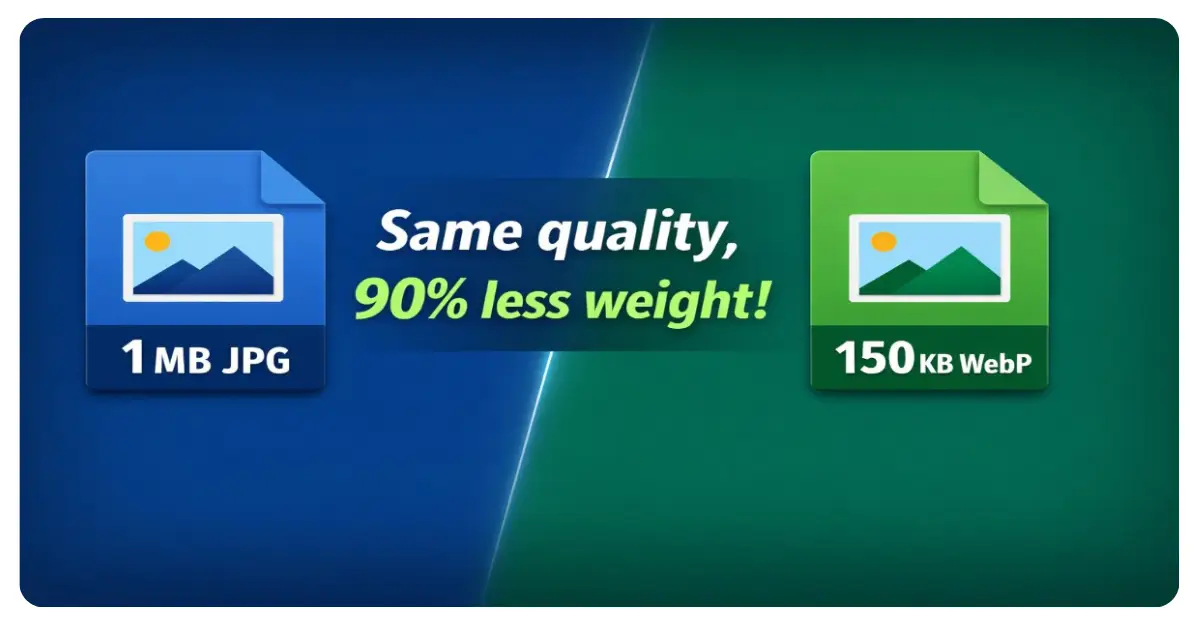
Think of it this way: imagine you have a thick and heavy duvet (blanket) that is difficult to fit into a cupboard. If you put it in a ‘vacuum bag’ and suck out all the air, it will stay the same size when you use it, but in the cupboard, it will become flat and light and fit easily.
WebP does exactly this to your photos. It identifies areas where data can be saved and intelligently reduces the file size. The clarity of the photo remains the same; only its “digital weight” disappears.
Why does Google love WebP so much?
Google’s priority is to give users the best experience. They have certain standards called Core Web Vitals, which measure how quickly and easily your site loads. If you use a PNG/JPG to WebP Converter to optimize your assets, Google considers your site “optimized” (better), and your chances of appearing higher in search results increase significantly.
How to Use usekit.online (In Just a Few Moments!)
Using usekit.online is so easy that even a primary school child can do it. You don’t need to buy expensive software or be a computer engineer to access a professional-grade PNG/JPG to WebP Converter.
Path to use: usekit.online >> tools >> image tools >> PNG/JPG to WEBP Converter
- Visit the Site: Open usekit.online on your phone or laptop.
- Find the Tool: Go to ‘Tools’ in the menu, select ‘Image Tools’, and then click on PNG/JPG to WEBP Converter.
- Upload Photos: Select the photos whose size you want to reduce. To save time, you can upload 10-12 photos at once (this is called ‘batch processing’).
- Automatic Magic: As soon as you upload, the system will start converting them to WebP.
- Download: Simply hit the ‘Download’ button and save your new, lightweight photos.
🇮🇳 Two True Success Stories
1. Ramesh’s Digital Triumph (A student from a small village)
Ramesh, who lives in a small village near Nagpur, started a blog to share his study notes. He uploaded high-quality PNG photos, but the site wouldn’t load on the slow 4G network in the village. Ramesh was very disappointed until he found out about the PNG/JPG to WebP Converter on usekit.online. He changed all his photos, and today his site is the most popular in his district because it opens instantly even on old phones.
2. Sunita’s Boutique (An artist from Jaipur)
Sunita sells handmade suits and saris online in Jaipur. Because of heavy photos, her customers couldn’t view the gallery properly and would leave without buying anything. When Sunita found a free PNG/JPG to WebP Converter and optimized her photos, her orders doubled. Now her colourful designs load instantly, allowing customers to shop with ease.
📈 PNG, JPG, or WebP: Who is the Real King?
Every modern PNG/JPG to WebP Converter will show you that WebP is the clear winner for web performance.
| Feature | JPG | PNG | WebP (The Real Winner) |
|---|---|---|---|
| Best Use | For general photos | For logos/icons | For the entire website |
| Transparency Support | No | Yes | Full support |
| File Weight | Heavy | Very heavy | Light as a feather |
| Loading Speed | Average | Very slow | Lightning fast |
| Google’s Choice | Average | Low | Number 1 choice |
5 Major Benefits of Lightening Your Photos
Using a PNG/JPG to WebP Converter provides more than just speed; it offers long-term benefits for your digital presence.
- Save Money: Smaller photos mean you use less server space, which can reduce your hosting costs. Less space, less expense!
- Save Mobile Data: In many places, data is very precious. By using WebP, you save your readers’ data, which increases the chances of them returning to your site.
- Keep Readers Engaged: When a site loads quickly, people don’t get bored and leave. This is called a low ‘bounce rate’, which is very good for any website.
- Top Google Rankings: Search engines prioritize fast websites optimized by a PNG/JPG to WebP Converter.
- Social Media Impact: When you share your link on WhatsApp or Facebook, the preview (thumbnail) appears instantly because of the small photo size.
SEO Tips for Success
If you want your site to be truly successful, follow these three simple rules while using our PNG/JPG to WebP Converter:
- Name Your Photos: Instead of names like
IMG_001.webp, use names likehealthy-recipes-english.webp. Google reads words, not numbers! - Fill in ‘Alt Text’: When you upload a photo, there is an ‘Alt Text’ box. Write what is in the photo, such as “Ramesh’s biology study notes.”
- Choose the Right Size: If a photo is going to look small on the website, don’t upload a massive 5MB file. Crop it to the correct size before running it through the PNG/JPG to WebP Converter.
Conclusion: Don’t Get Left Behind!
The time has come to say goodbye to the heavy photos of the old days. With free and fantastic tools like the PNG/JPG to WebP Converter on usekit.online, there is no longer any excuse for a slow website. Whether you are working on a school assignment or starting your first business, give your website the speed it deserves. Remember, in the digital age, the fastest site wins!
Now It’s Your Turn (Try it yourself!)
Reading is one thing, but doing it is the real deal!
👉 [Go to usekit.online now] and use our PNG/JPG to WebP Converter to reduce the burden of your heavy photos.
- Have a question? If you face any trouble converting your photos, ask in the comments below—I am here to help you!
- A small gift: Want to double your site’s speed? Download my 10-step website checklist here.
*This article was written to help you succeed. Don’t be afraid of technology—make it your best friend!